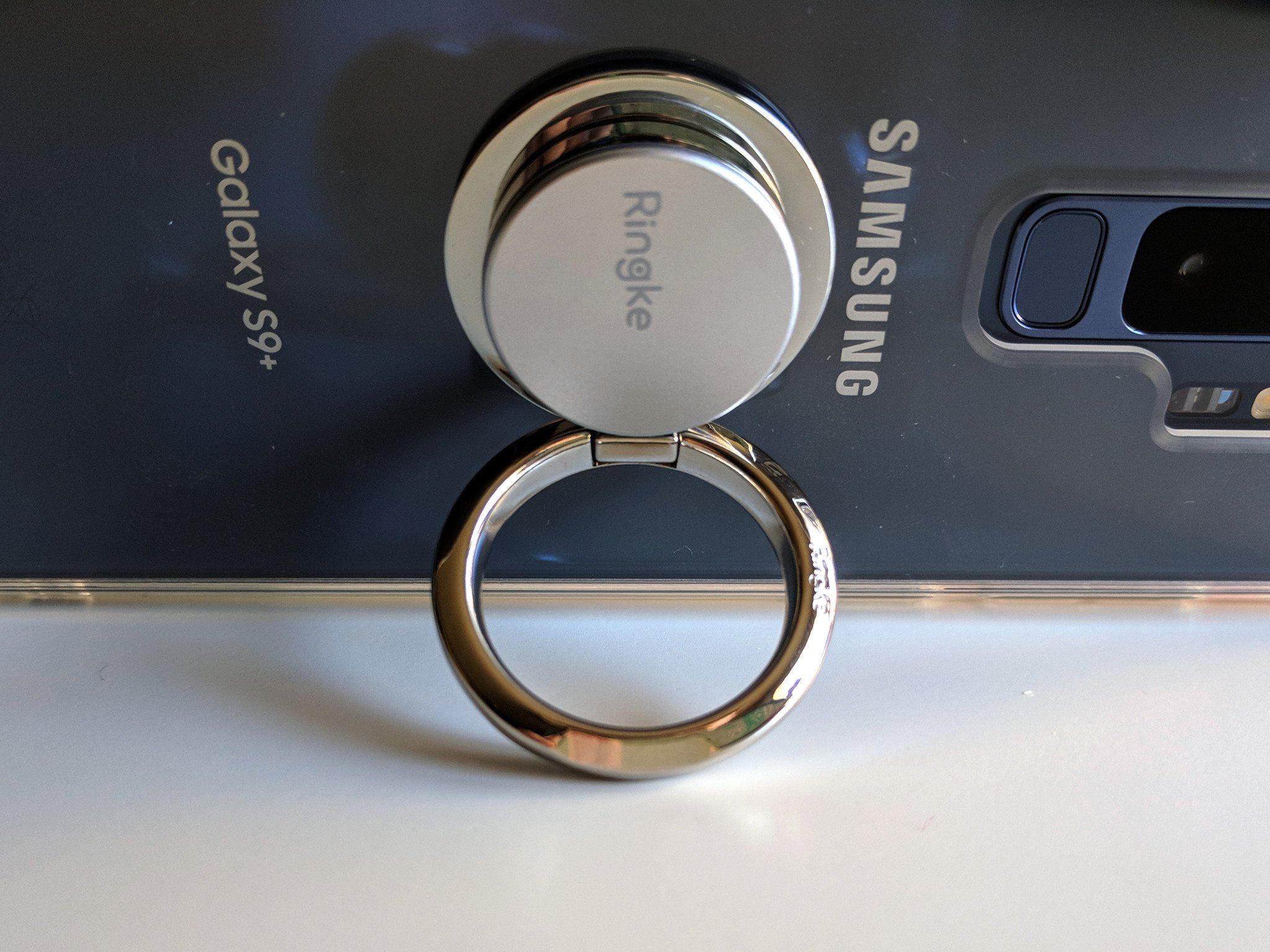
A $10 phone grip versus a lifetime of nerve pain is the easiest tech decision I ever made.
I am a 27-year-old writer and newscast director, and since the tender age of 14, I've spent most of my waking non-school, non-sleep hours on a computer. I use a lot of Photoshop, custom hotkeys on my station computers with ENPS and Edius, and there's an almost constant stream of Ctrl + T/R/N/W/E/S/C/V/A/etc that I use while writing, formatting, creating, or just browsing the web in free time I don't really have. I'm also not a huge CAPS LOCK fan, so I use Shift for capitalizing names, acronyms, and adding important #HashtagOverload to my posts online.
In short, my pinkies hate me, and they're the first and only reason I need for using a phone grip like a PopSocket or Spigen Style Ring.
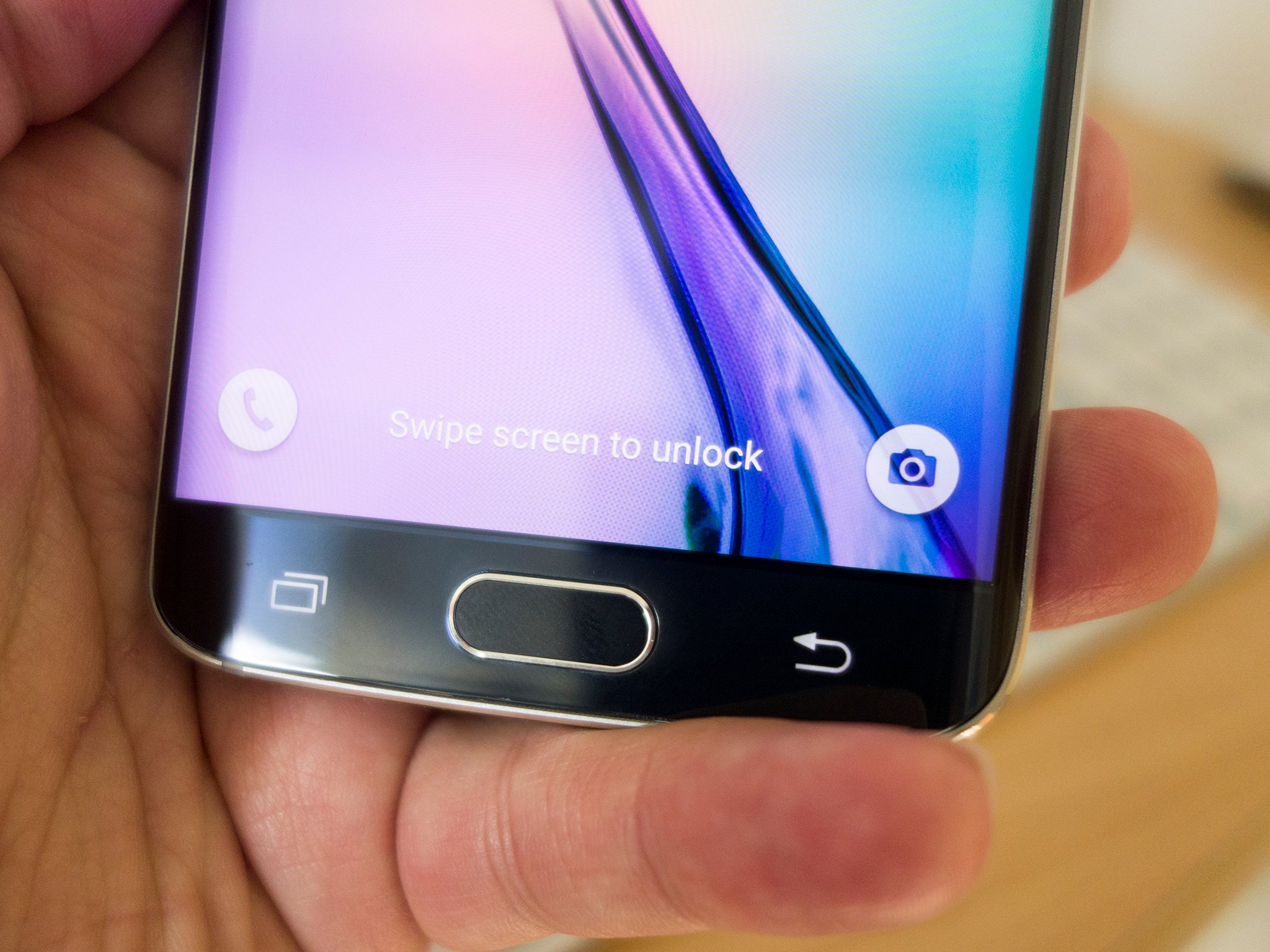 Pinky propping is a problem, and a bad habit many of us have had for years.
Since my Samsung Blackjack days, I've propped up my phone up in my hand with my pinky under it for stability, and I'm not alone. Even though the Samsung Galaxy S9+ I'm using these days is far larger and heavier than that Windows Mobile throwback, my pinky still gravitates to the bottom of the phone. And then painfully informs me of its displeasure.
As someone who uses computers a lot, I'd heard of carpal tunnel. BlackBerry Thumb and Nintendinitus are just two of the many, many joking names devloped for De Quervain syndrome over the years, and so long as there has been a workforce with repetitive tasks, there have been repetitive stress injuries.
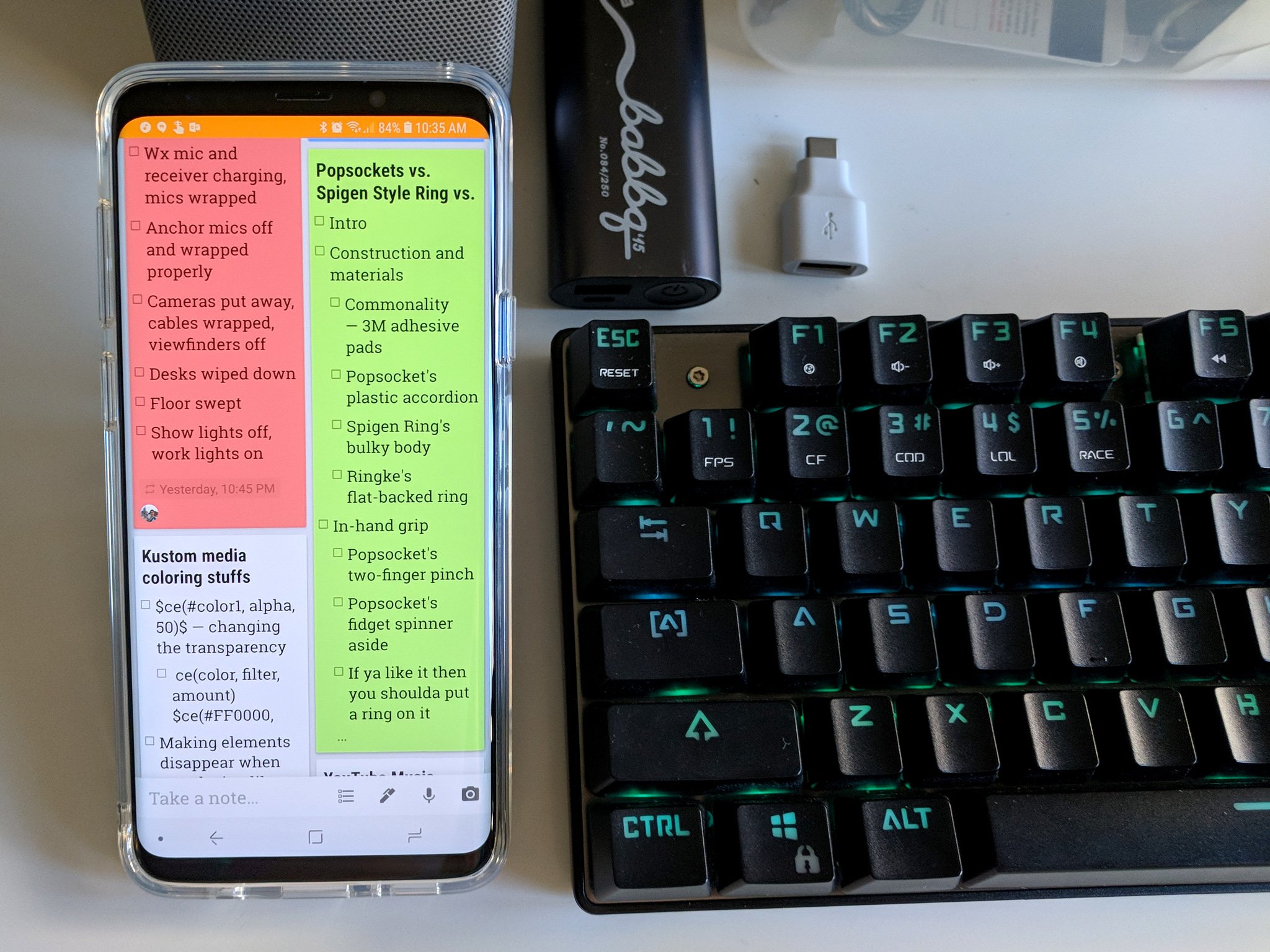
And if you develop a repetitive stress injury, there's no real "fixing" it. You can ice the affected area and use medication to help you ignore the pain when it flares up, but there's only one way to completely eliminate it. If you have a repetitive stress injury, the biggest and sometimes only real advice most doctors will give you is to rest and give your muscles a break from the repetitive task.
Whenever there's a computer around, I generally use the computer over the phone, especially for typing-intensive tasks like writing, email, and social media. When I get to work, my phone largely reverts to a music player, sitting in my shoulder holster and streaming music to my Bluetooth headphones while I prepare for shows and work on special projects. It that helps a little, sometimes, but I still often end a day with my pinky stiff and the joint popping when I try to stretch it out.
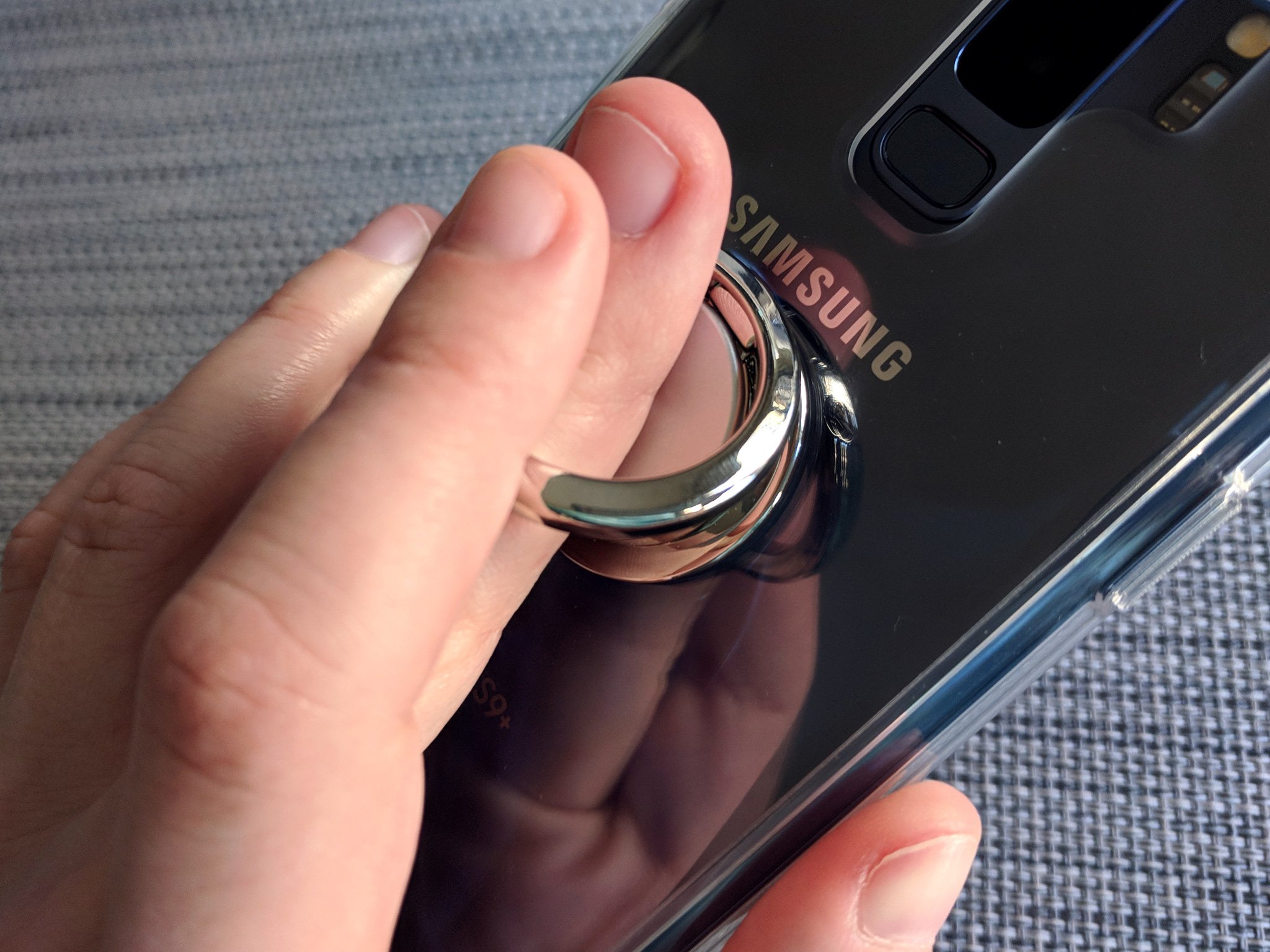
Rest helps a little. Using a phone grip helps a lot.
When I started using a smartphone grip last year, I immedatiately felt a difference. Instead of my pinky straining, and my nerves screaming, at the bottom of my phone, it sits straight and unused flat against the back of my device while my middle finger sits inside the grip's ring and uses the pointer and ring finger to help keep the grip steady. My thumbs are also happier with the grips, as more of the phone's screen can be reached without straining — though I've also tried to cut down on one-handed phone use when I can, too.
I can go days without my pinky getting intensely angry with me, and on days heavy with data entry and lots of Ctrl commands, my hands will last longer before cramping up. I've worn out a number of phone grips in the 15 months since then, but I'm perfectly fine with that.
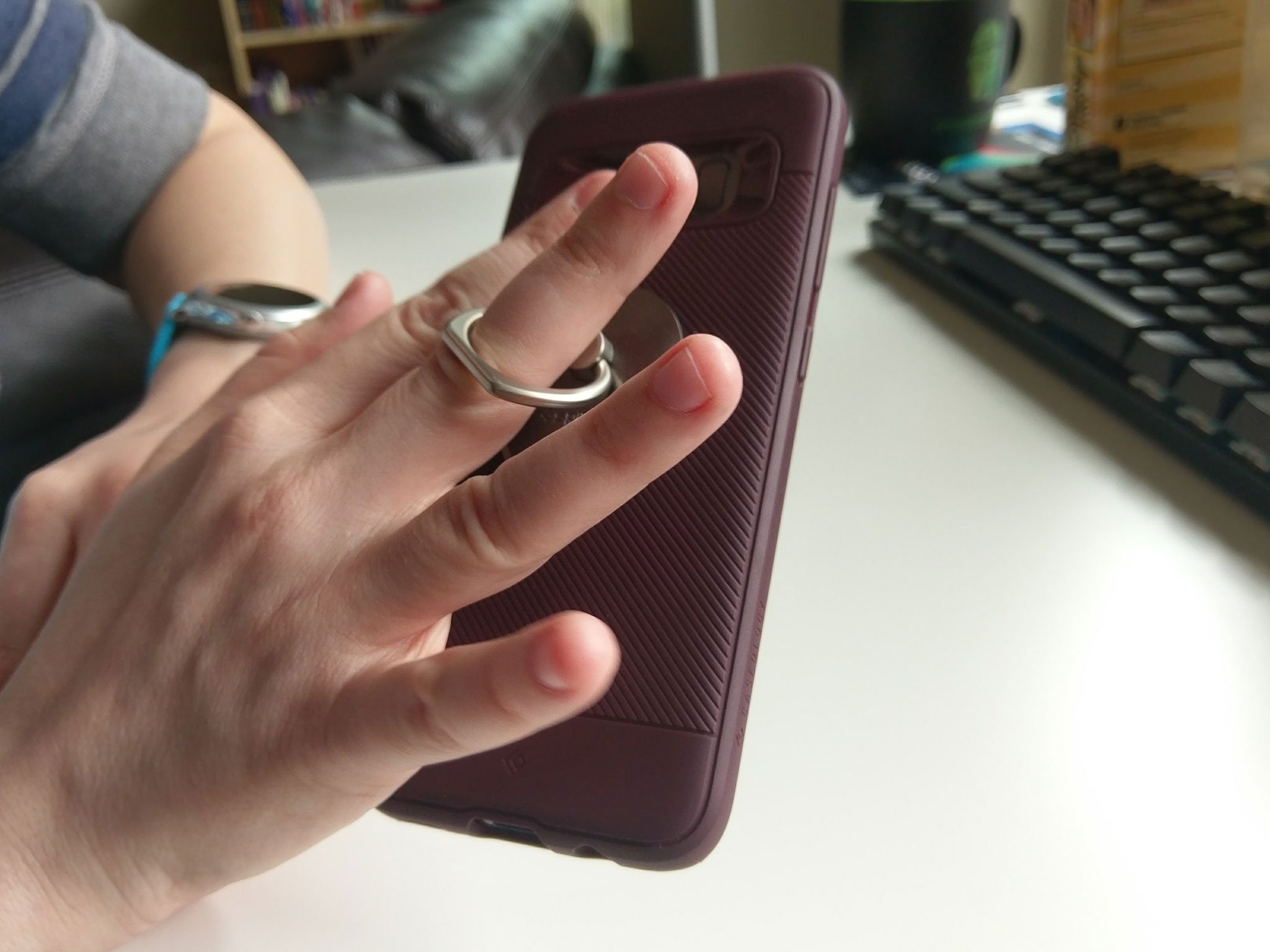 Phone grips are replaceable; my fingers are not.
Am I weak for needing a phone grip? Well, I certainly don't think so. A phone grip that alleviates the strain on my hands is just like an ergonomic office chair or vertical mouse that helps office workers avoid carpal tunnel. A good phone grip is less expensive than an ergonomic keyboard, and certainly less expensive than physical therapy and pain management. Even Google has seen the value in phone grips during major events like Google I/O.
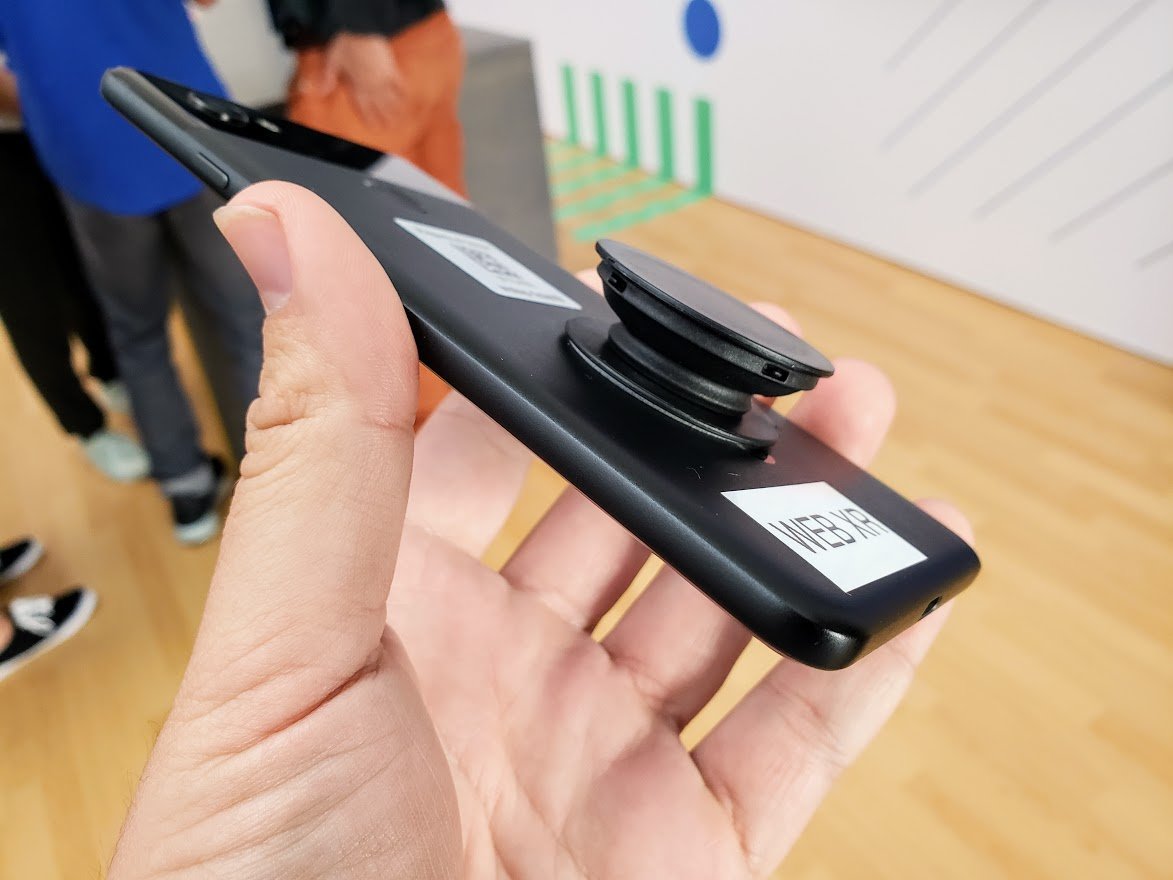 Even Google uses PopSockets phone grips.
Phone grips can double as kickstands, and they offer a little more drop protection, but really, the only reason anyone needs to use one is that they can help save your hands from often permanent and painful damage.
Comments
Post a Comment